How to Manage Your Passwords

Admit it—you have at least one password that is “passw0rd.” Or your address. Or your birthday. Or your daughter’s birthday. We’ve all done it. And in the early days of the Internet, you might’ve gotten away with it. If not, you likely didn’t have sensitive data online for a hacker to exploit. But the world has changed. Hackers now have the power to ruin lives, destroy businesses, even ransom large corporations and governments. Password security remains the primary attack vector for these threats.
Here is what you can do to protect yourself and your business.
Create a Strong Password
So if you can’t use “passw0rd” or “123456,” what can you use? Strong passwords have several principles in common.
- Length – Ideally, your password should be 8-12 letters long. The longer the better, but 12 is plenty long enough if the password has the next two traits.
- Complexity – Mixing capital letters, numbers, and symbols and/or using a string of small random words will make your password sufficiently complex.
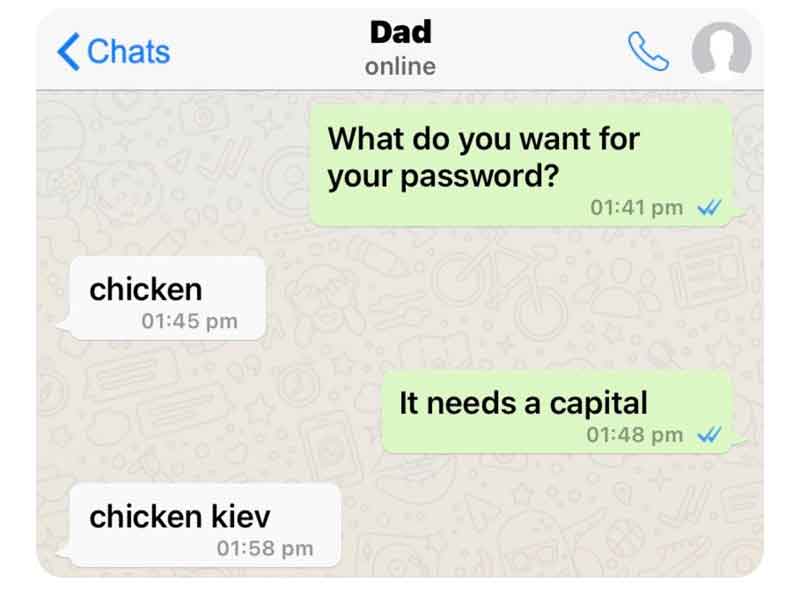
- Easy to remember, but not easy to guess – Try to come up with a system that you can remember for creating different passwords for different purposes that you can remember but that a hacker (who may have some personal data about you) would not be able to guess. Information like addresses, birthdays, and social security number sequences should certainly be avoided.
You also want to be careful about how you answer security questions. If you are prompted to give your mother’s maiden name, for example, don’t use it. A hacker could easily find that information. Perhaps make up a name or use a completely unrelated word like “flowers” that would be nearly impossible for a hacker to figure out.
Use a Password Manager
An all-star password still must be remembered to be effective. Writing down sensitive information comes with its own set of risks, especially in an office. So many people use password managers like LastPass to create and store all their passwords. There are several benefits of doing this:
- Complex password generation – LastPass and others can create complicated passwords that you won’t have to know or remember.
Memory decluttering – The only password you’ll have to keep in your brain’s long-term memory is the one to open LastPass. As long as you can remember that, you can get into everything else with the click of a button.- Cloud storage – No more sticky notes on monitors. Everything is stored in the cloud on an encrypted network.
Activate Multifactor Authentication Everywhere
Multifactor authentication adds a second or third layer of security to your password. Having to enter a code received by email or text message means that a hacker would need more than just your password to break in – they also need access to something you have, like your phone or email account. Authenticator apps like Google Authenticator or Duo Mobile are free and relatively easy to set up.
Implement a Password Management Strategy
Any network is only as secure as its weakest link. This means that if you run a business, a password policy should be in place to ensure best practices are followed. Several steps should be taken to ensure compliance:
- Craft a password policy – The policy should be widely distributed and instruct employees that they should not write passwords down or share them with anyone. Controls should also help them to avoid creating weak or generic passwords.
- Use a password manager – Password managers can be set up with individualized accounts and to protect passwords needed by multiple people.
- Multifactor authentication – MFA needs to be a requirement for every device with access to the company’s network.
Learn More about How to Manage Passwords
Check out our video blog for more information about password management, multifactor authentication, and a variety of other IT support questions and trends. New episodes are released weekly on YouTube and major podcasting platforms.